NAHUPUKU - Como Grabo en el PukuEstudio Bajos, Guitarras, Teclados y Baterias + LNC - 16/8/2026 Vzla

(Edited)
https://play.3speak.tv/embed?v=nahupuku/o0zspykp
NAHUPUKU - Como Grabo en el PukuEstudio Bajos, Guitarras, Teclados y Baterias + LNC - 16/8/2026 Vzla

PukuGreetings to all my pukufriends, today I present you this new music video recorded at PukuEstudio with my band and its titled: NAHUPUKU - Como Grabo en el PukuEstudio Bajos, Guitarras, Teclados y Baterias + LNC - 16/8/2026 Vzla, this is my new video for this week of the Hive Music Community.
Video Translation:
Hey everyone, my name is Nahu Padilla, user @nahupuku, and in this video I'm going to walk you through my recording setup — the drum kit, the microphones I use, the amplifiers, the laptop, and everything related to recording the pukuinstrument drumset.
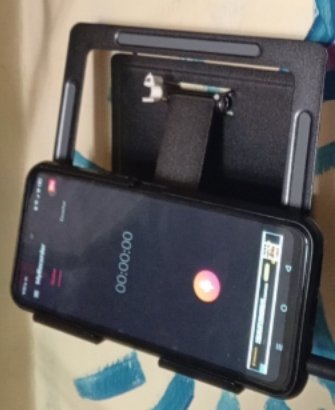
There are several ways to record. Take the V8, for example — you see it here? I've got a cable running from it into my phone. On the phone I've got a voice-recording app open. Technically, any phone with a basic voice recorder app can capture audio, but I use something a bit more professional than the stock app.
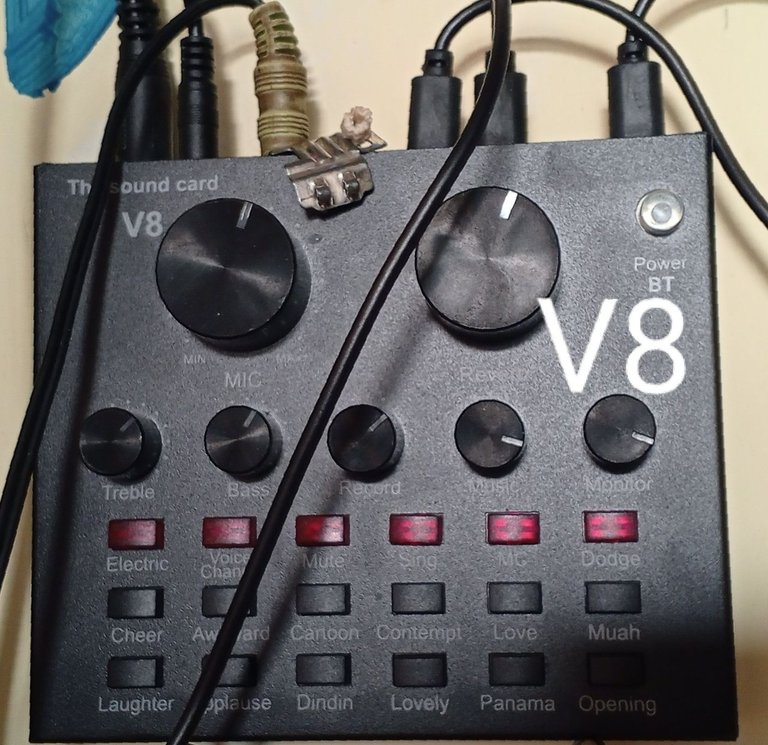
Here's the V8 console/mixer: it's got onboard reverb and a mic gain control, which I keep maxed out because this channel is running a direct line into the amplifier. Let me show you — this is the pedalboard, and that cable runs down to the bass. It's connected to the bass amp right here. The bass is plugged into the pedalboard's input. Let's switch the effect to something without distortion so you can hear a flanger. There we go.
Now I'll bring up the amp's volume — the amplifier is functioning purely as a monitor here, not as the recording source. Let's hit record. It's rolling now... you'll notice it's picking up room tone / ambient noise at first, but as soon as I play a note — that's the onboard effects processing on the V8 kicking in.
So, you can see it capturing the signal here. This is a direct line recording, meaning the amplifier is acting strictly as a monitor while the actual signal chain runs bass → pedalboard → V8 → phone. In this setup the pedalboard is connected in-line with the bass. So now when I play — [music] — you can hear the flanger effect.
See how it's tracked cleanly right there? I'll hit pause, confirm, save, and that's it — I've got the take, and I can play it back if I want. Let me clear this. You can hear it's a clean, direct-line capture — no bleed, no ambient noise — because it's running through the V8's direct output path rather than being mic'd off the amp.
Now, if instead of the bass I had this microphone plugged into that same channel, the exact same principle applies — everything you send into this console gets routed the same way. You just plug it in: this is the bass input, the same one the pedalboard's output feeds into. Notice this mic has both a large and a small connector option; for this one, the output is the smaller connector, so you just plug it straight in. You can position it as a close mic right where I've got it now — which is why I recommend having two V8 units and two mics: one set up as a close/ground mic, and the other set up as an overhead — what's typically called an "overhead" or "room" mic that sits above the kit.
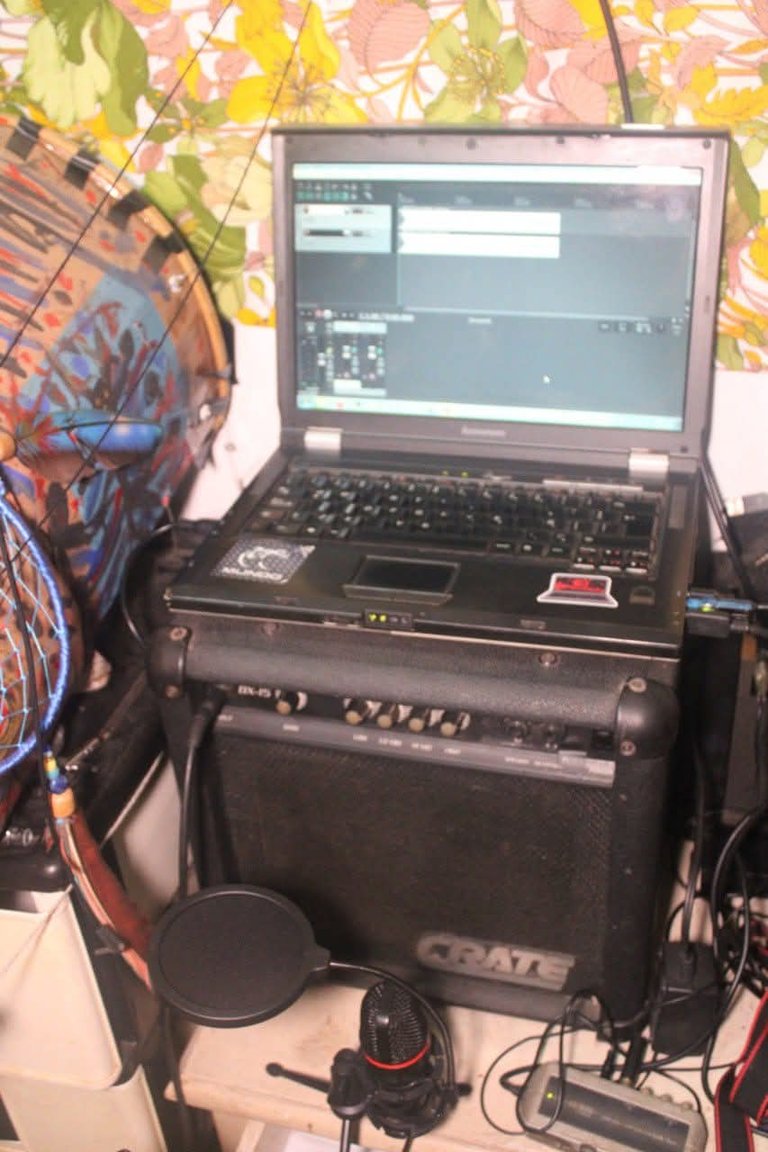
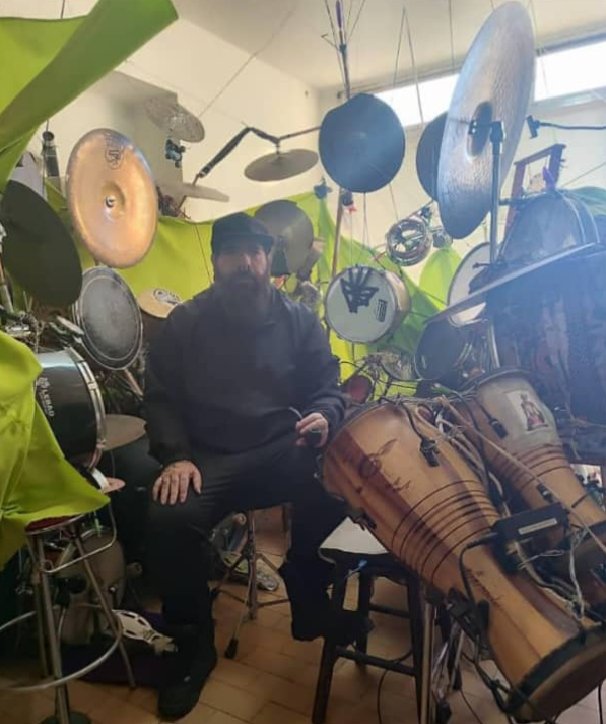
In my personal setup, since I'm running everything into the laptop, I've got one mic here and another one over there — this pair covers kick and snare, positioned right here. Those cable runs feed into my small audio interface — that's what this actually is, a compact audio interface/sound card. These are the monitor speakers, and when I record, that's where the signal lands in Reaper on the laptop, and I just monitor it back through the speakers.
There you go — that's the interface's audio monitoring, and that's basically it. It's the same underlying principle whether you buy a V8 and hook it directly to your computer — which you absolutely can do — or run it the way I do, with everything staying mobile: guitar input here, bass input here, keyboard input here, since I keep the keyboard set up right in front of me. That's just how my rig is configured — everyone will land on the configuration that works for their own space. With this two-interface setup — two V8 units, or even two phones — you record one source on one unit and a second source on the other, and that's it.
Equipos:
Mics
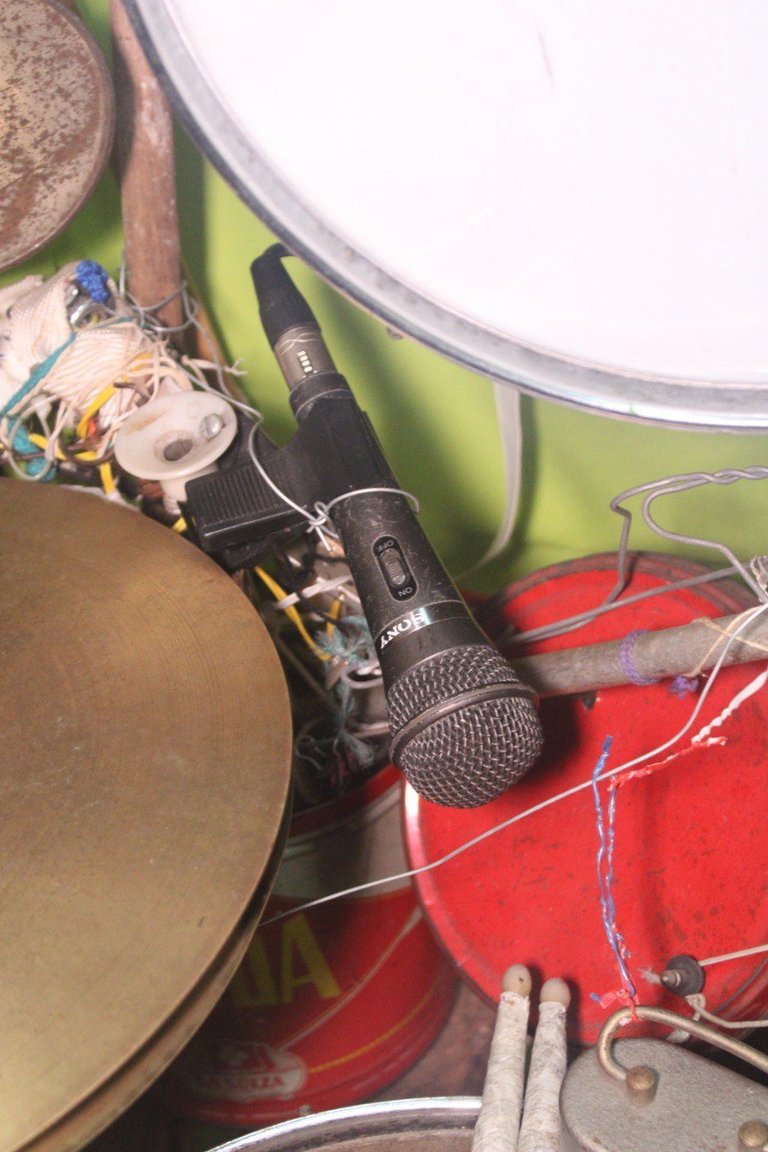
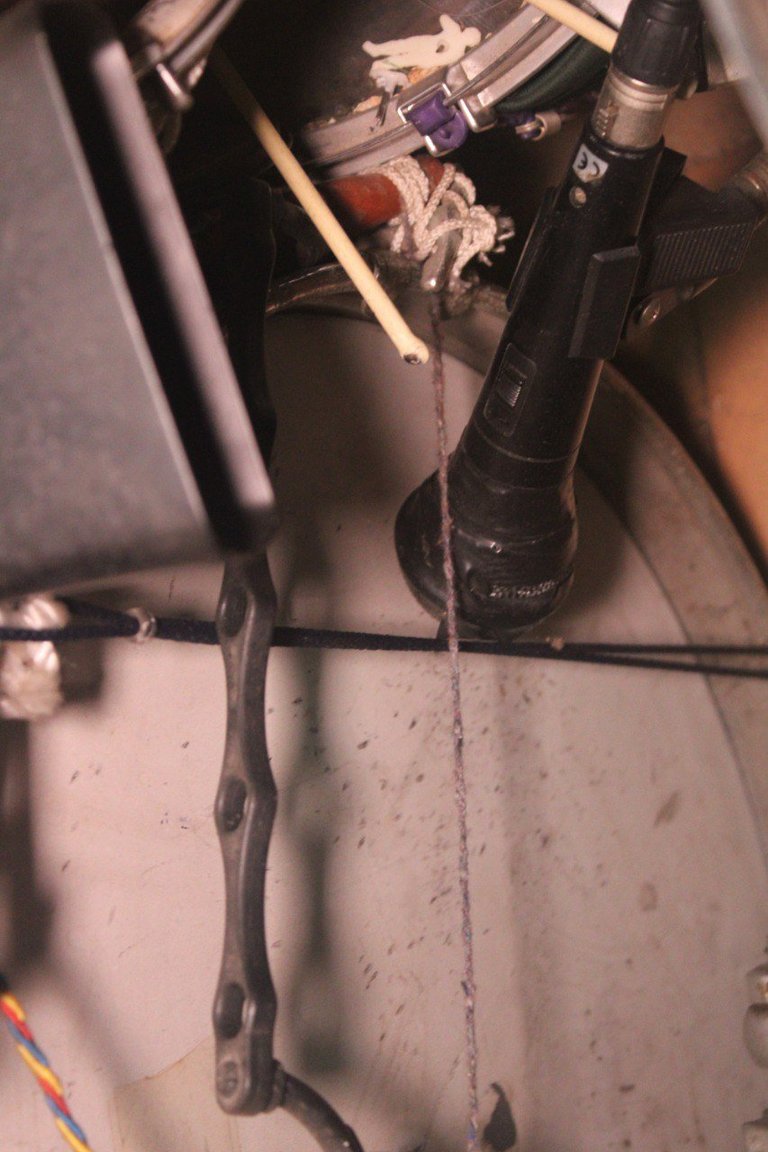
Roland Edirol - UA-1EX - Snare and DrumBass

V8 AUDIO CARD - For electronic drum machine
Batería Home made/PukuInstrumento
www.youtube.com/c/pukumusic
The Lions of Ra networks:
https://www.youtube.com/c/pukumusic
https://www.facebook.com/thelionsofra/
https://www.instagram.com/thelionsof_ra
Musicians:
Nahu Padilla: @nahupuku - PukuDrums
PukuDrumz:


My Networks:
https://www.tiktok.com/@nahupuku
https://www.instagram.com/nahupuku/


Grabado en / Recorded in: Caracas, Venezuela.
En la Nevera Creativa PukuEstudio - NNR

PukuEdición by me, 2026 - NNR
PukuNetworks:
Bendiciones y gracias por ver mi post
Blessings and thanks for watching my post

0
0
0.000
https://x.com/NahuPuku/status/2089161227163296104
Brilliant explanation, brother Nahu! It's a super useful and practical technical guide to making the most out of the PukuEstudio setup.
Muchísimas gracias.
Si lo importante es que puede ayudar a cualquier persona debido a que la v8 y los micrófonos chinos son relativamente económicos, actualmente con la tecnología se puede hacer algo de calidad de manera accesible
Un gran abrazo y gracias por pasar y comentar